アプリ詳細
 | Silvio Rizzi |
更新日:2026/03/22 11:15
カスタマーレビュー★
★★☆☆☆
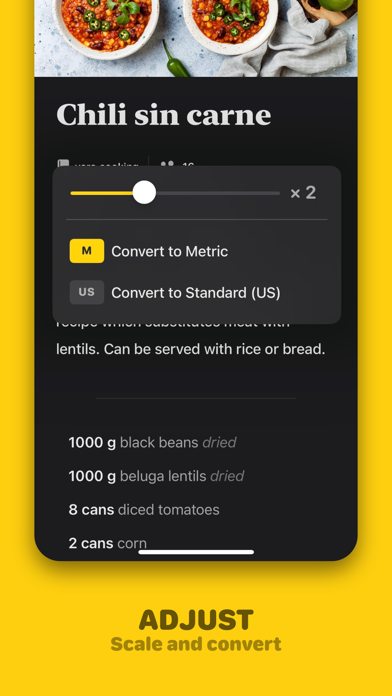
いまいち日本人向けではない仕様RSSリーダーで有名なReederの作者だけあってUIの綺麗さはまずまずただ残念なのが、日本でよく使われる大さじ/小さじ表記だと単位としてみなされないため、mg/mlにわざわざ置き換えなければいけなかったりするまた、半分も1/2と書かなければ分量として認識されないなど日本人的に使い勝手があまりよくない単位をユーザーサイドで追加できる機能があればマシになるかもまぁ気持ち悪くなければ数値の拾い上げを無視しちゃえばいいだけなんですけどね
hogehogepiyo : 2025/06/05
★☆☆☆☆
iCloudアカウントを変更すると、全部消してしまいました。全部消してしまいました。
ニテン : 2022/12/23
アプリ概要
| ジャンル | : | フード/ドリンク |
|---|---|---|
| バージョン | : | 2.6.2 |
| サイズ | : | 21.8 MB |
| 現在のバージョン | : | ★★★★☆ 11 件の評価 |
|---|---|---|
| 全てのバージョン | : | ★★★★☆ 11 件の評価 |
スクリーンショット
説明
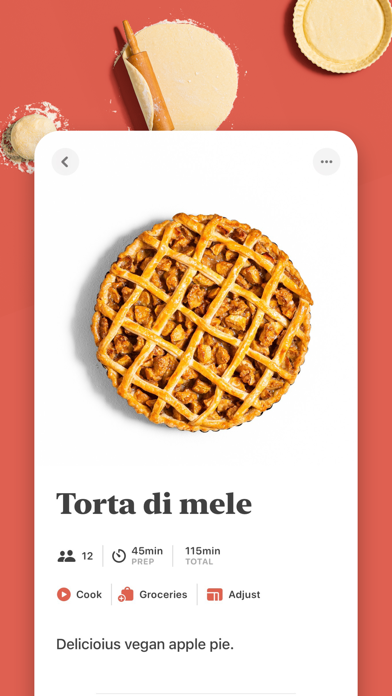
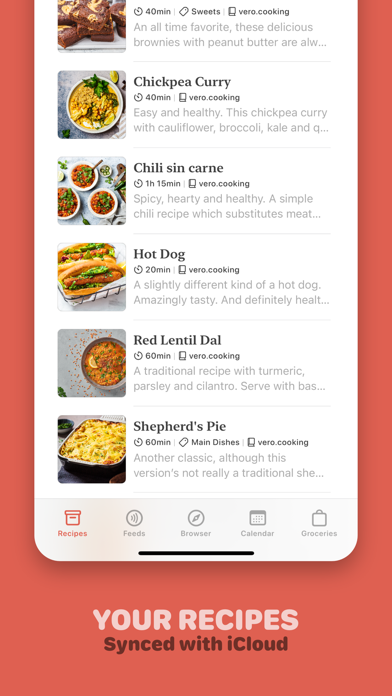
Mela is a simple, elegant and modern recipe manager that syncs with iCloud.
SYNC
Sync your recipes with iCloud, either privately (default) or by sharing a recipe library with other iCloud users.
IN-APP BROWSER WITH LIVE PREVIEW
Quickly save a recipe while browsing: If Mela detects a recipe on the currently viewed page, it will be displayed in Mela's native recipe viewer*, on the same screen on the iPad and a swipe-left away on the iPhone. Want to add or view a recipe from outside of Mela? No problem, just use Mela's sharing extension.
FEEDS
Subscribe to your favorite recipe blogs to view all the recipes in Mela's native recipe viewer*.
COOK MODE
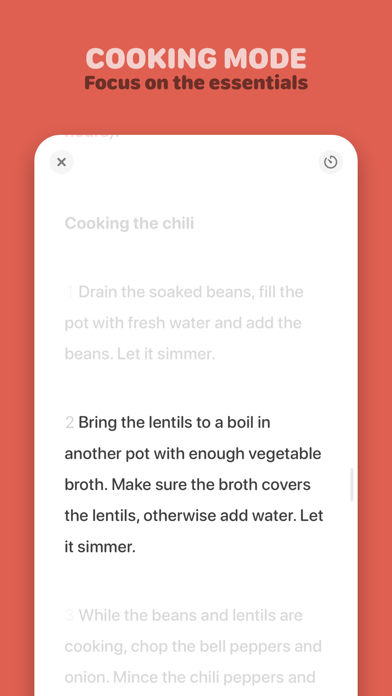
The cook mode makes it easy to follow all steps while cooking, displayed using a larger font to make sure everything stays readable even when you're not right in front of your device. You can add multiple recipes to the cook mode, easily letting you switch between them.
TIMERS
No need to switch to another app for setting up a timer. When in cooking mode, Mela let's you easily create and manage timers.
Timers come with support for Live Activities (iOS 16.1+).
SCANNER
Scan a recipe from a book: With the help of text recognition, you can just add it to your personal collection and view it in Mela's native recipe viewer, as any other recipe.
GROCERIES
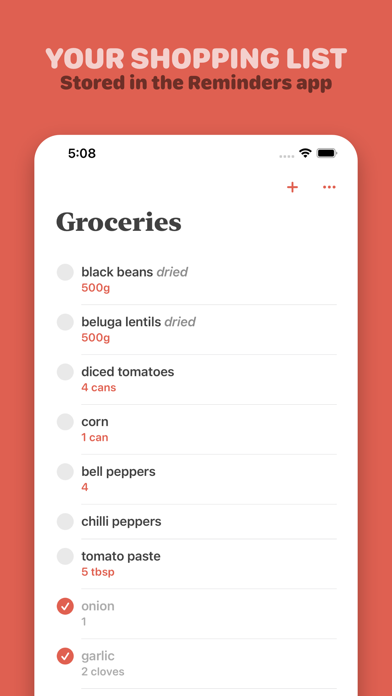
Mela uses the Reminders.app to manage your grocery list. This has the advantage that you’re always able to access your grocery list on all your devices even if Mela is not installed on a specific device.
CALENDAR
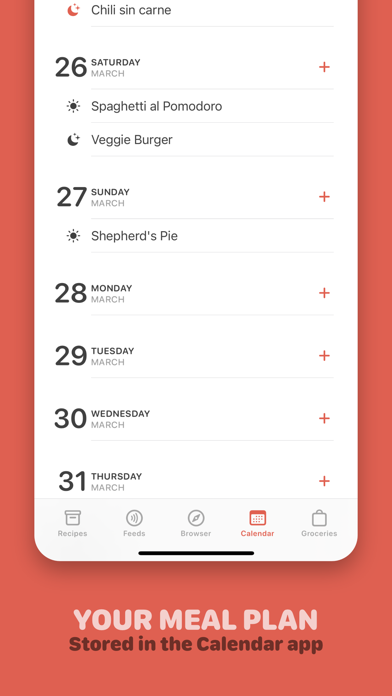
Do your meal planning by using Mela's built-in calendar. It's managed by Calendar.app which also has the advantage that you're always able to access it on all your devices. There's also a widget, showing you the next planned meal from your calendar.
ORGANIZING
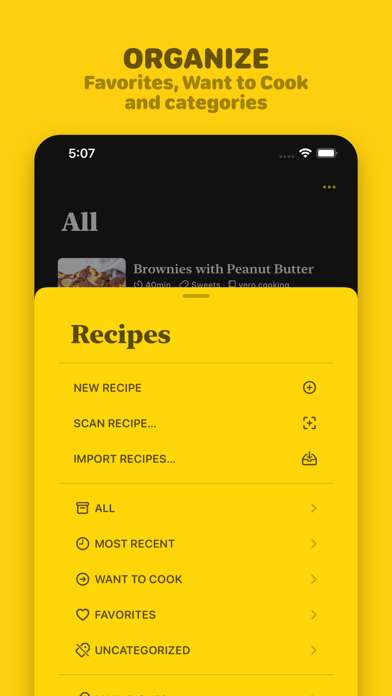
Recipes can be organized in categories, marked as “Favorite” or as “Want to Cook”.
PRINTING
Of course, Mela supports printing in case there’s a recipe you want to have on paper or save as PDF.
Please note:
If iCloud Sync is enabled (default), Mela will sync these items with iCloud:
- Recipes
- Browser bookmarks
- Subscription list (feeds)
Not synced:
- Feed recipe entries
- Browser history
Groceries are always stored in Reminders.app
Mela is free to download but will require a one-time purchase to unlock all features.
* Extracting recipes only works for websites that support this, most of them do.
SYNC
Sync your recipes with iCloud, either privately (default) or by sharing a recipe library with other iCloud users.
IN-APP BROWSER WITH LIVE PREVIEW
Quickly save a recipe while browsing: If Mela detects a recipe on the currently viewed page, it will be displayed in Mela's native recipe viewer*, on the same screen on the iPad and a swipe-left away on the iPhone. Want to add or view a recipe from outside of Mela? No problem, just use Mela's sharing extension.
FEEDS
Subscribe to your favorite recipe blogs to view all the recipes in Mela's native recipe viewer*.
COOK MODE
The cook mode makes it easy to follow all steps while cooking, displayed using a larger font to make sure everything stays readable even when you're not right in front of your device. You can add multiple recipes to the cook mode, easily letting you switch between them.
TIMERS
No need to switch to another app for setting up a timer. When in cooking mode, Mela let's you easily create and manage timers.
Timers come with support for Live Activities (iOS 16.1+).
SCANNER
Scan a recipe from a book: With the help of text recognition, you can just add it to your personal collection and view it in Mela's native recipe viewer, as any other recipe.
GROCERIES
Mela uses the Reminders.app to manage your grocery list. This has the advantage that you’re always able to access your grocery list on all your devices even if Mela is not installed on a specific device.
CALENDAR
Do your meal planning by using Mela's built-in calendar. It's managed by Calendar.app which also has the advantage that you're always able to access it on all your devices. There's also a widget, showing you the next planned meal from your calendar.
ORGANIZING
Recipes can be organized in categories, marked as “Favorite” or as “Want to Cook”.
PRINTING
Of course, Mela supports printing in case there’s a recipe you want to have on paper or save as PDF.
Please note:
If iCloud Sync is enabled (default), Mela will sync these items with iCloud:
- Recipes
- Browser bookmarks
- Subscription list (feeds)
Not synced:
- Feed recipe entries
- Browser history
Groceries are always stored in Reminders.app
Mela is free to download but will require a one-time purchase to unlock all features.
* Extracting recipes only works for websites that support this, most of them do.
リリース情報
This update fixes an issue that prevented Mela’s Share extension from appearing in the latest Chrome on iOS.